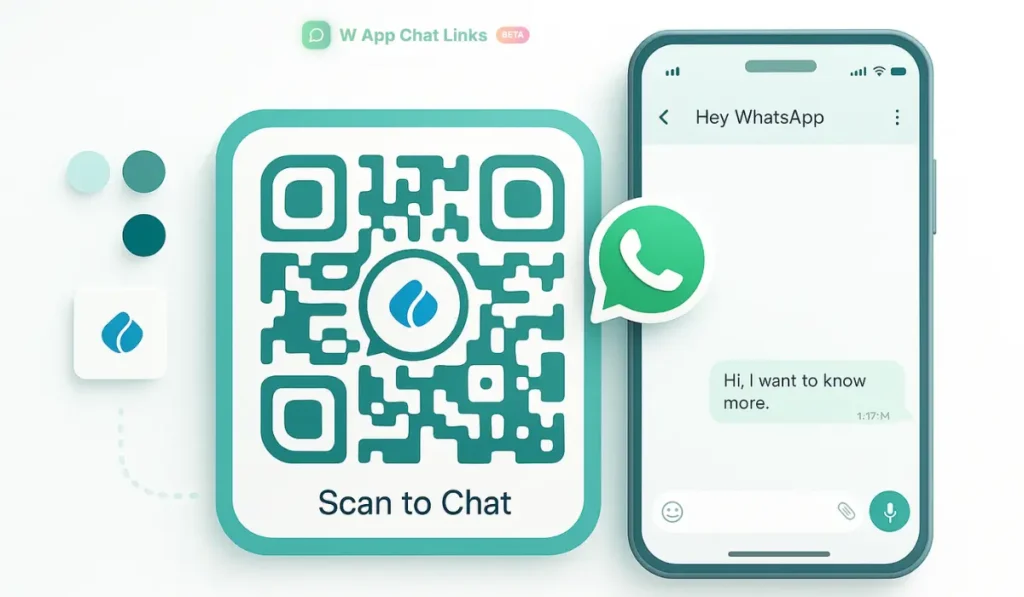
A person who walks into a store or sees an ad usually forms an impression of the brand within a few seconds. You already know this. The feeling is emotional before it becomes logical.
People look at design, clarity, and ease of contact, then decide if they trust the business enough to make a move. When a brand adds a personalized WhatsApp QR code at the right spot, that simple action tells the customer that the business is ready to talk without delay. It feels confident, open, and professional.
Now here is the thing. A plain black QR code can still work, but it feels cold and disconnected. A personalized QR code with your color, logo, and message tells a different story. It feels intentional. It reflects your identity.
It gives people a direct path to reach you through WhatsApp, which already feels familiar to them. When you use WAppChat to create these QR codes, each scan becomes part of your customer journey and analytics, making the entire experience more meaningful.
Why Brand Trust Begins With Accessibility #
A brand begins earning trust the moment communication becomes easy. A person who can scan a QR code and jump directly into WhatsApp sees the brand as attentive.
They do not need to search for a number. They do not need to wait for emails. They do not need to wonder where to contact support. They just scan and speak.
Personalized QR codes for marketing placed on packaging, storefronts, menus, flyers, receipts, or digital screens show that you respect a person's time. People naturally trust brands that stay reachable without effort.
How Personalized WhatsApp QR Codes Influence Trust #
Personalization does more than decorate. It shapes memory and comfort. Here is how it works in practice.
- Branded colors help people remember your products and style
- Logos create recognition even before the scan happens
- Consistent designs across campaigns strengthen identity
- Scanning feels quick and natural, which builds confidence
- WhatsApp communication feels direct and human
A person feels they are speaking to the real business, not a random contact.
Creating Personalized WhatsApp QR Codes with WAppChat #
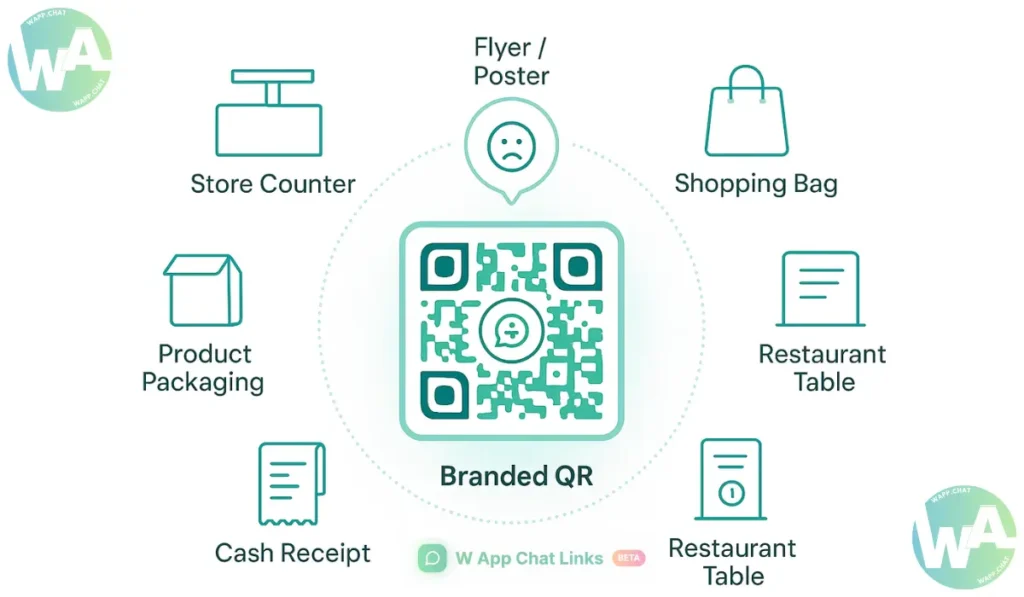
A personalized QR code inside WAppChat feels effortless to create. You can start by opening your dashboard and generating a WhatsApp link with your brand's number.
You can attach a message such as "Hi, I want to know more about your new collection." That message loads automatically when someone scans the QR. After the link is ready, you can head to the QR section.
You can upload your logo, adjust the color of the QR blocks, pick a frame that fits your design tone, and label it for tracking.
WAppChat stores the QR inside your analytics panel, so you can check where the scans come from and how many people continued the conversation.
Here is a clean overview.
A brand that runs both online and physical campaigns can track every one of them without confusion.
How Personalized QRs Strengthen Your Brand Identity #
- A QR code can act like a mini billboard. It speaks before the customer scans it. A strong brand knows how to use that space wisely.
- A wellness brand might prefer calm pastel tones to show softness.
- A tech brand might pick bold blue or green to signal innovation.
- A boutique might match the QR frame with its packaging style.
The QR design becomes part of a person's memory. Every scan reminds them of your tone, color, and overall feel.
A Real Example #
A small perfume store in San Diego placed elegant gold-framed QR codes on each perfume box. The QR opened WhatsApp with the message "Hi, I loved this fragrance, tell me what you recommend next."
Those tiny chats grew into a large repeat-buyer community. The store later checked WAppChat analytics and found that more than half of its returning customers came through the QR placed on packaging. That insight helped them refine their product labels for future launches.
Using Personalized QRs for Feedback and Customer Care #
A QR code becomes even more powerful when placed at the right customer touchpoints. Here are a few examples.
A person who scans these QRs feels that the brand listens.
Combining Personalization With Analytics #
You already know that creative ideas need numbers behind them. A personalized QR becomes far more useful when tracked through WAppChat.
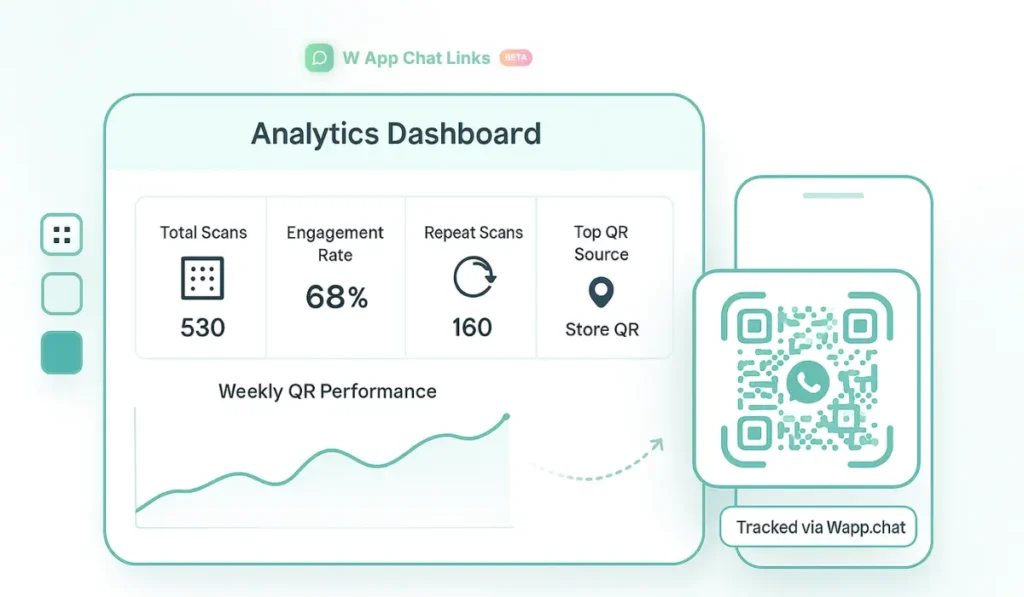
The analytics section shows exactly which QR performs well, which location receives more attention, and which designs convert more conversations.
Here is how it reflects in practice.
You get clarity instead of assumptions.
Mistakes Brands Must Avoid While Personalizing QRs #
A QR code works best when it stays clean. One mistake some brands make is placing too many decorative elements around the code. Scanners may fail if the design becomes too heavy.
You can keep your frame simple and your logo well-aligned. Another mistake is using color combinations that reduce contrast. Always check that your QR remains readable under indoor and outdoor lighting.
One more issue happens when businesses use only one QR design for every campaign. You can create seasonal or product-specific variations so you can track which design performs the best.
Where Personalized WhatsApp QRs Work Best #
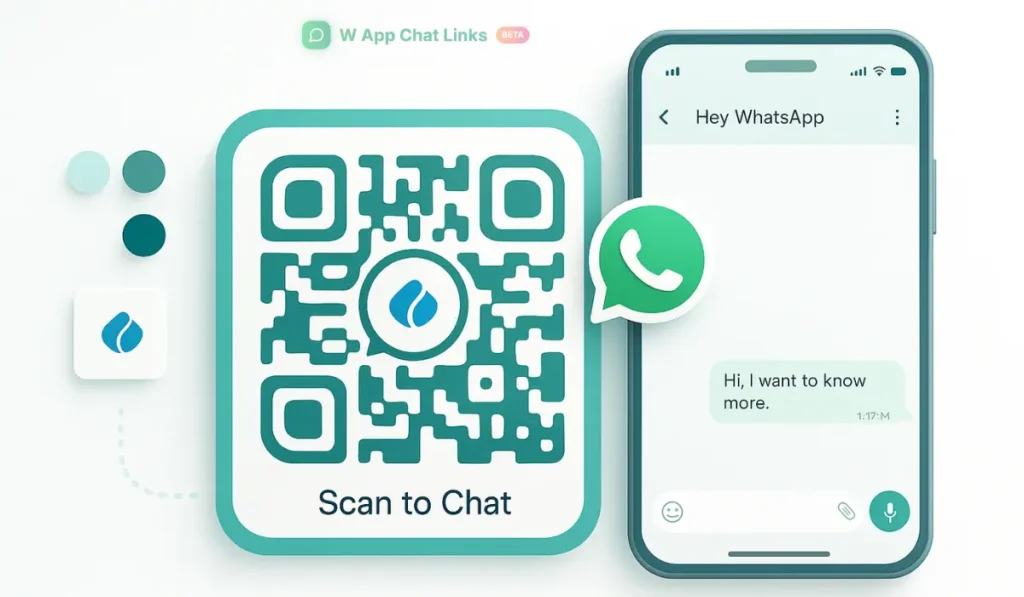
A QR code is not restricted to store walls. You can use it everywhere your audience interacts.
- Inside newsletters for quick replies
- In Instagram posts and stories
- On printed menus
- On product tags
- Inside shopping bags
- On loyalty cards
- At checkout counters
- On event tickets or flyers
Every placement builds recognition. People eventually associate that small square with your brand voice.
Why Customers Trust WhatsApp More Than Other Channels #
WhatsApp feels personal to most people. It is where they speak with friends, family, groups, and colleagues.
The moment your brand appears inside their WhatsApp inbox, they feel a sense of security because the space is familiar. It feels more direct than email and more private than an online form.
A branded QR that leads straight to WhatsApp also signals authenticity. A person knows they are talking to the real business, not an unverified link.
Conclusion #
A personalized WhatsApp QR code looks like a small design choice, yet it carries the power to transform your brand image. It shows accessibility, care, and consistency.
When you create and track these QRs through WAppChat, each scan becomes a meaningful moment in your customer's journey. People remember the smooth communication more than the product description, and that memory builds trust.
At the end of the day, trust grows in small steps. A clear QR code placed at the right point can be one of those steps that strengthen your brand for the long run.
Checklist #
- Create branded WhatsApp QRs inside WAppChat
- Add your logo, colors, and message tone
- Label each QR for better analytics
- Keep the design clean and readable
- Track performance weekly to refine placement
FAQs #
Why should a brand personalize its WhatsApp QR codes #
A personalized QR helps customers identify the brand instantly. People feel more confident scanning a code that matches the brand's colors and logo.
Can a personalized QR improve customer response #
Yes. A QR that leads directly to WhatsApp encourages quick replies because the channel feels familiar and personal.
Does WAppChat track every scan from personalized QRs #
Yes. You can view scans, chat starts, and campaign performance directly inside your WAppChat dashboard.
Where should businesses place their personalized QR codes #
You can place them on packaging, store counters, receipts, newsletters, social media posts, or product displays. Each placement builds recognition.
Written by
Sourabha Kumar Sahu
Founder of WAppChat, building tools that help businesses grow with WhatsApp.