You must have seen many websites or Instagram pages where you click one button and directly open WhatsApp chat. That means you do not need to save the number first. The chat opens instantly and you can start talking.
The main thing is that this feature helps you reduce one extra step. That’s why many businesses and creators are using WhatsApp links to connect faster with users. If you also want to do the same, then you need to understand how this actually works.
What is a WhatsApp Link #
A WhatsApp link is a special URL that opens a chat directly with a number. When someone clicks on it, WhatsApp opens and the chat is already ready. You do not need to save the contact in your phone.
What you need to understand is this, WhatsApp gives this feature through something called click to chat. That’s how it works behind the scenes. You can use this link anywhere like your website, bio, or ads.
How WhatsApp Link Works #
When a user clicks your link, WhatsApp checks the number inside that link. After that, it opens the chat window directly on mobile or web. Then what happens is the user can send a message instantly.
The point is simple here, it removes friction. You already know this, people do not like extra steps. That’s why this method works better for getting more messages.
Method 1: Create WhatsApp Link Manually #
Step 1: Use Basic Format #
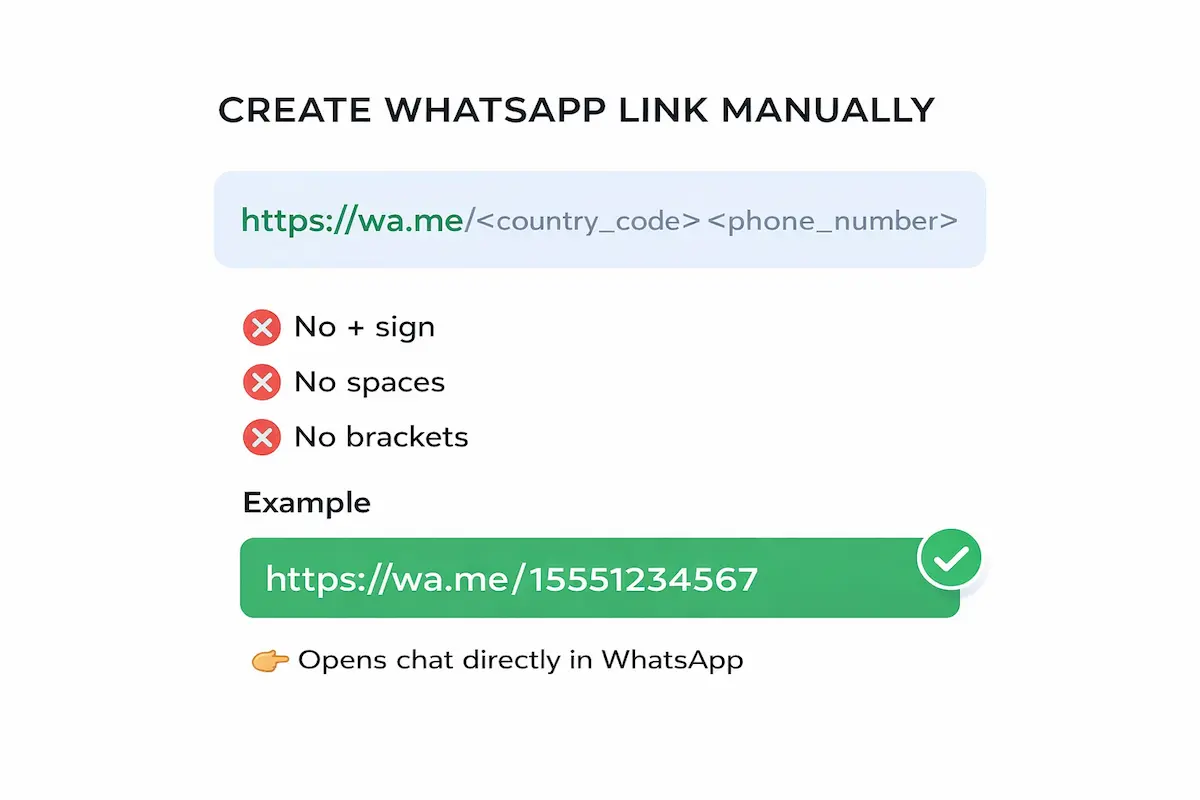
The thing is very clear here, WhatsApp follows one fixed format. You just need to place your number correctly.
Format looks like this: https://wa.me/your-number
Now here’s the thing, your number must include country code. You should not use plus sign, spaces, or brackets. Many people miss this and then the link does not work.
Example: https://wa.me/919876543210
Step 2: Add Pre-Filled Message #
You can also add a message inside the link. That means when user opens chat, the message is already written.
Format looks like this: https://wa.me/number?text=yourmessage
Now you need to replace spaces with %20. This may confuse you at first, but that’s how URL works. If you skip this, your message may break.
Example: https://wa.me/919876543210?text=Hello%20I%20need%20details
Method 2: Create WhatsApp Link Using WhatsApp Business App #
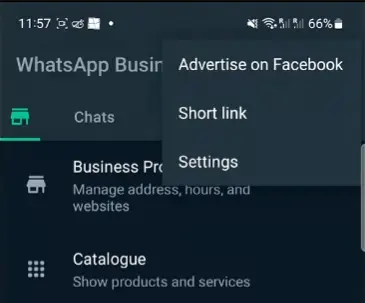
If you are using WhatsApp Business, then things become easier. You do not need to remember formats or codes.
Just go to Business Tools inside the app. There you will see option called short link. Once you open it, your link is already ready. You can also create and share WhatsApp catalog links directly from here to showcase your products. You can copy and share it anywhere.
Method 3: Use WhatsApp Link Generator Tools #
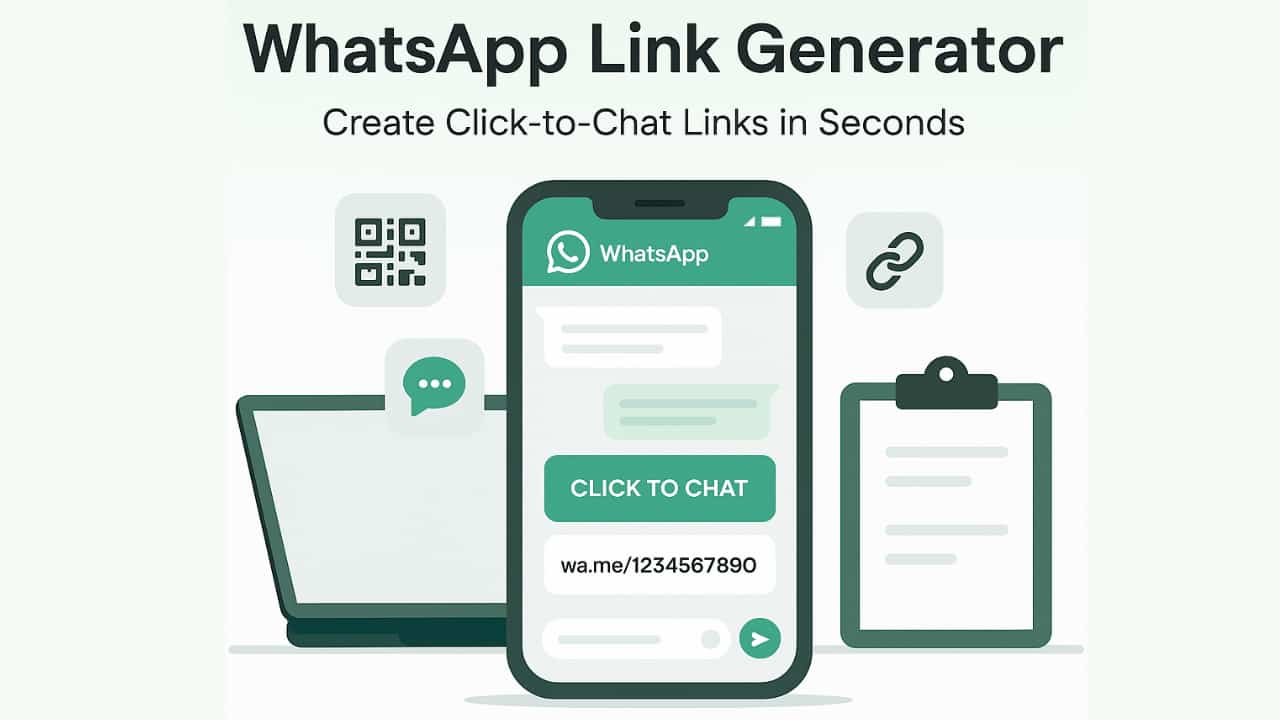
Now here’s the thing, manual method works but sometimes it feels a bit tricky. Especially when you want to add messages or avoid mistakes.
That’s why many people use tools to generate links. You just enter your number, type your message, and your link is ready.
You can use wapp.chat to create links instantly.
One thing you can try is WhatsApp link generator tool. This tool helps you create WhatsApp links in seconds without worrying about format.
What happens is you just enter your number and optional message. After that, the tool gives you a ready link which you can copy and use anywhere. In my case this worked when I needed quick links without checking format again and again.
Where You Can Use WhatsApp Link #
You can use your WhatsApp link in many places. That’s because it works like a direct contact button.
You can add it on your website, Instagram bio, Facebook page, or even email signature. Many people also use it in ads and landing pages. Many local stores and restaurants use these links to take orders and handle customer queries. The thing is very clear here, it helps users contact you faster.
Common Mistakes to Avoid #
One small mistake many people make is adding plus sign before the number. You should not do that. The link will not work properly.
Another issue is using spaces or brackets in number. Also, many people forget to add country code. You must check this part before sharing your link.
Tips to Make Your WhatsApp Link More Effective #
You can improve your link performance with some small tricks. The reason is quite clear, better experience brings more clicks.
- You can add a pre filled message so users do not need to type.
- You should also use clear text like "Chat Now" or "Message Me".
- One thing you can try is adding this link in multiple places so more people can reach you.
WhatsApp Link vs Normal Number Sharing #
When you share only your number, users need to save it first. After that they open WhatsApp and search your contact.
But when you share a link, chat opens instantly. That’s why I said this before, links reduce steps and increase responses. This is one of the main reasons why smart WhatsApp links outperform traditional landing pages for quick lead generation. That’s the main difference.
Conclusion #
So now you know this part, creating WhatsApp link is not difficult. You can do it manually, through app, or using tools.
If you ask me, using tools like wapp.chat saves time and avoids mistakes. You can try any method, but the goal is same, make it easy for users to contact you. If you want to learn more, check out our guide on WhatsApp link generators or learn how to create custom WhatsApp links for your brand.
Written by
Sourabha Kumar Sahu
Founder of WAppChat, building tools that help businesses grow with WhatsApp.