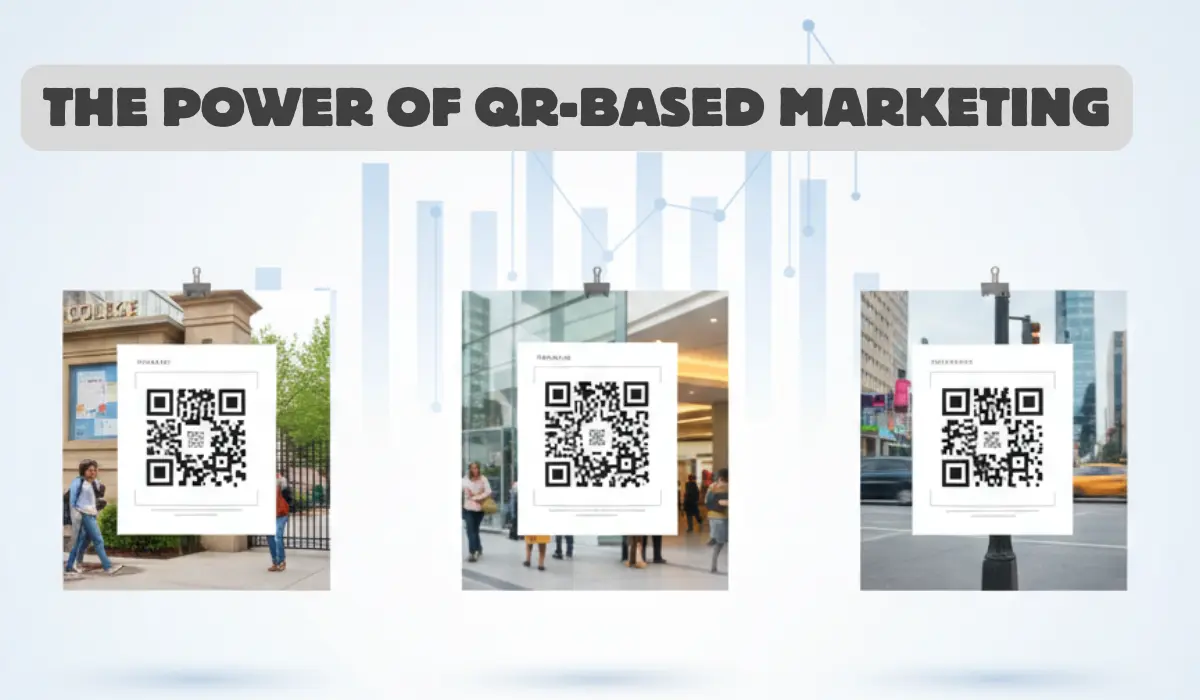
You might have noticed that QR codes are showing up everywhere these days. They appear on restaurant menus, flyers, coffee cups, and even concert tickets.
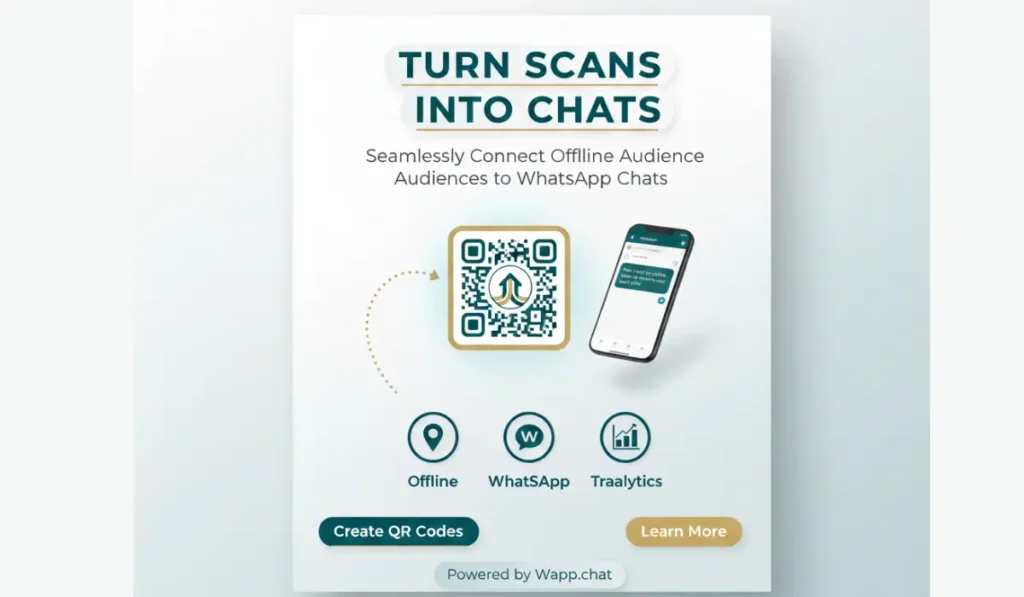
What you may not realize is how powerful those tiny black and white squares can become when they connect directly to WhatsApp. When used properly, they can turn offline audiences into real WhatsApp leads in just a few seconds.
Now here's the thing. For small brands, restaurants, and event organizers, the goal is not to collect random chats. It is to build meaningful, trackable conversations that lead to sales, bookings, or lasting relationships. With WAppChat, you can do that. You can bridge the offline world and your WhatsApp inbox in a clean, measurable way.
How QR-Based Marketing Actually Works #
A QR code works as a bridge between your physical marketing and your WhatsApp chat. You can create one inside WAppChat, attach your business number, include a message, and add UTM tracking.
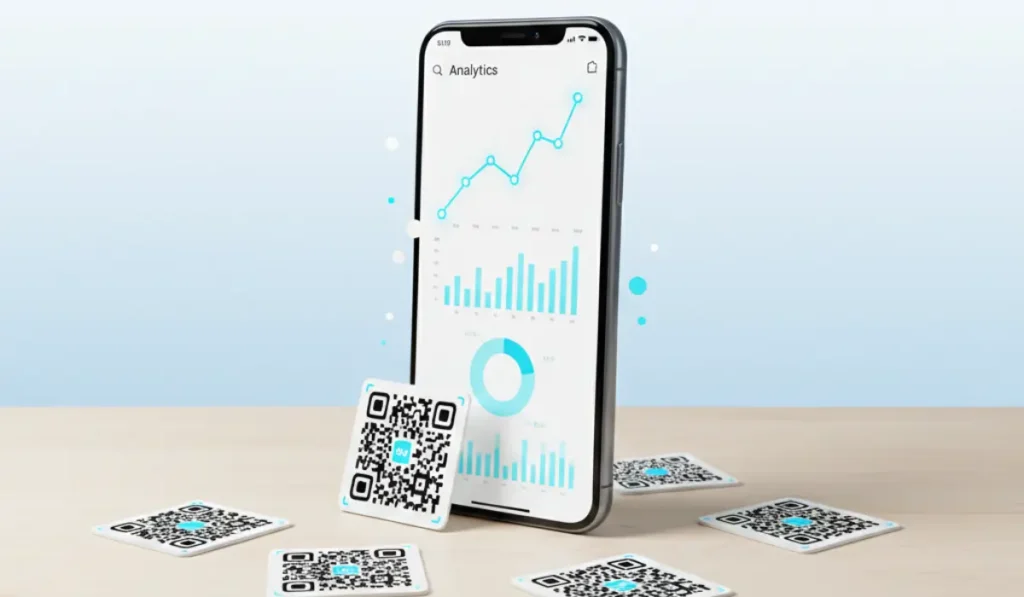
When someone scans it, they are automatically directed to your WhatsApp chat with a message already typed.
Think of it like this. Instead of expecting people to type your number or click a link, they simply scan once and start talking. That single step saves effort and raises response rates right away.
Quick Example #
A small café prints QR codes on takeaway cups with a message that says "Text us to get your next coffee free."
When customers scan the code, WhatsApp opens with the message "Hey, I got my coffee today, tell me more about your next offer." The café then tracks how many people scanned and responded through WAppChat analytics. That is a perfect example of a physical campaign leading straight into digital sales.
Why It Works for Offline Businesses #
The point is simple here. Offline marketing still has strong value, but it needs a bridge to create real engagement. QR codes do exactly that. They let you turn every printed poster, receipt, or business card into a two-way channel.
Look at a few clear examples:
- Restaurants: Use QR codes on menus for reservations or takeout orders.
- Retail Stores: Place QR codes on product tags so shoppers can ask quick questions.
- Event Promoters: Add QR codes to tickets or flyers so guests can RSVP or join updates through WhatsApp.
Once this setup runs, you start collecting measurable data from people interacting with your brand in real life.
The Role of WAppChat in This Setup #
When you make QR codes with WAppChat, each one carries its own label and data tag. You can name them "flyer-campaign," "poster-counter," or "table-QR." After someone scans, your analytics dashboard shows where that scan came from.
You can also route chats to different team members. For instance, a message from an event flyer can go to your marketing team, while a scan from a restaurant table can reach your in-store staff.
You can think of each QR code as a digital fingerprint that helps you understand exactly which source creates results.
Example: Event QR in Action #
Imagine you are organizing a music festival. You print posters across the city with WAppChat QR codes labeled "downtown," "mall-area," and "campus."
After a week, you check the analytics and notice that "campus" brought in the highest chat volume. That insight shows where your next big push should go. You make future decisions from real numbers, not assumptions.
Turning Customers into Conversations #
What you need to understand is that people respond faster when communication feels personal. WhatsApp feels natural, easy, and direct.
When your QR sends people straight there instead of a landing page, they feel comfortable reaching out. They can ask for details, confirm pricing, or place orders without waiting.
I once saw a small bakery use QR stickers on delivery boxes with a short note that said "Scan to reorder your favorite dessert."
It worked beautifully because it made reordering almost effortless. That is how you turn a casual buyer into a repeat customer.
Customization That Draws Attention #
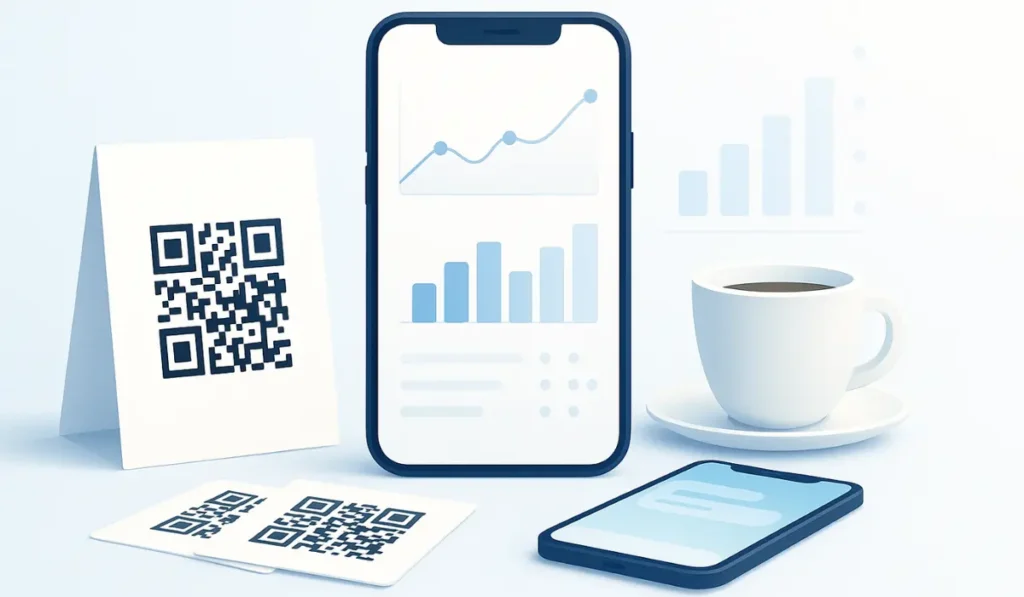
Many business owners think all QR codes look the same, but it is not like that. Inside WAppChat, you can style your code with brand colors and logos. Branded QRs stand out immediately and build trust.
You can print them on product labels, posters, or even Instagram stories. When customers see the same design everywhere, it reinforces brand recall.
You can also add short call-to-action lines such as:
- "Scan to chat for daily deals."
- "Book your table on WhatsApp."
- "Ask us about today's special."
These phrases encourage people to scan without hesitation. That's because they make the purpose clear and personal.
Mistakes You Should Avoid #
One small mistake many brands make is printing QR codes before testing them. You should always scan each code before printing large batches.
Another problem appears when people reuse the same QR across campaigns. You should make different codes for each source so your tracking stays accurate.
Also, make sure your links are short and active. A slow or broken link can make people leave immediately. In WAppChat, the links are permanent, so your scans always connect instantly.
How to Create a QR Campaign on WAppChat #
At this stage, you can try setting up your first campaign following these easy steps.
Once everything is ready, check your analytics weekly. You will see exactly which area or poster produces the most interest.
Why QR and WhatsApp Work So Well Together #
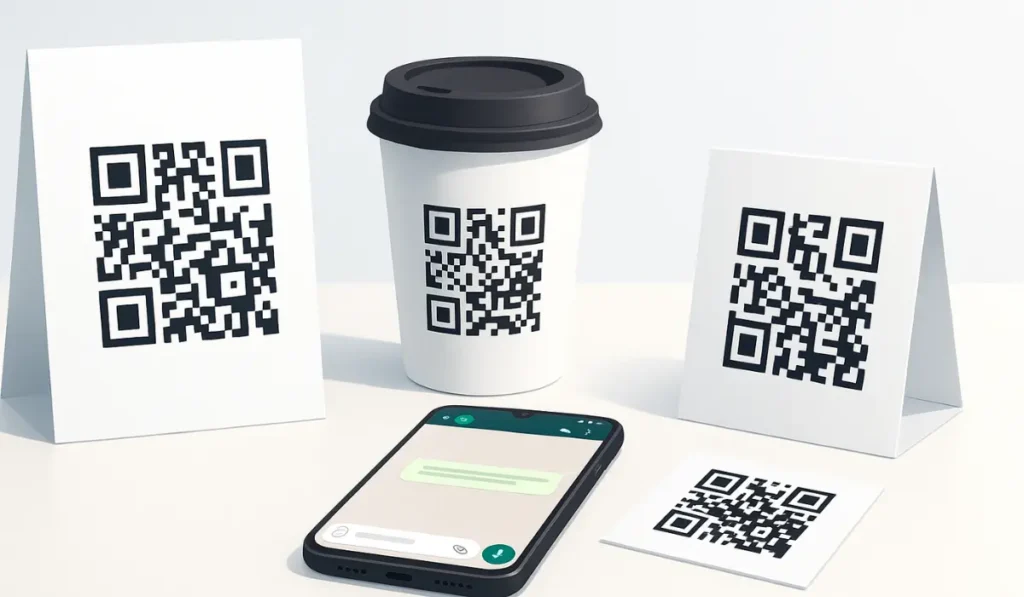
The reason is quite clear. QR codes connect the physical world while WhatsApp connects people. When they come together through WAppChat, you create marketing that is both personal and measurable. You can see the journey from the first scan all the way to a completed order.
That system works better than old-style forms or websites that most users ignore. A person who messages through a QR code has already shown intent. That makes it easier to continue the conversation and close a sale.
Conclusion #
So finally, QR-based marketing is not about fancy graphics. It is about connecting people to your business in real time. When you use WAppChat, every scan becomes an active chat that you can track, study, and improve.
At the end of the day, a single QR code on a flyer can do more than a whole campaign when it sends people straight into WhatsApp. That is the real strength of turning offline attention into meaningful conversations.
Checklist #
- Create your QR codes in WAppChat.
- Use separate codes for each campaign or location.
- Add tracking tags and UTM details.
- Test every code before printing.
- Review your analytics weekly and adjust your next move accordingly.
Written by
Sourabha Kumar Sahu
Founder of WAppChat, building tools that help businesses grow with WhatsApp.