WhatsApp turned into a strong hub for communication, service, and business interaction. People use it for orders, support, learning, booking, and everyday questions.
You see it in creator bios, restaurant menus, school notifications, and online stores. The shift happened because people feel more comfort while sending a WhatsApp message.
A very small link plays a big role in this change. That link opens a WhatsApp chat without saving any number. As soon as someone taps it, a direct conversation starts.
This tiny shortcut is known as a WhatsApp link. When you understand how it functions, you can see why restaurants, creators, clinics, freelancers, and big companies depend on it daily.
These links appear inside QR codes, websites, receipts, banners, and social profiles. In 2026, they support conversational sales, instant support, and smooth customer flow. This growing trend is often highlighted in AI Launch Reviews, where modern communication tools are evaluated for real-world usability.
Understanding WhatsApp Links #
A WhatsApp link is a short URL that opens the chat window straight away. It follows the official format used by WhatsApp. For example:
Selecting this link starts a chat instantly. The person does not need to save the contact anymore.
You can check the official structure on a trusted Meta help page here: https://faq.whatsapp.com
How the System Functions #
The link uses Meta's Click to Chat system. It connects with the WhatsApp Business API. You can also add a small message inside the link.
The chat box will show that message on the first screen. This feature works well when you want a customer to ask the right question from the beginning.
Below is a small table that helps you understand the base elements.
How a WhatsApp Link Works #

Why WhatsApp Links Matter in 2026 #
People now expect fast reactions. They want to reach someone with one tap. A WhatsApp link removes extra effort. It becomes helpful for business owners, creators, teachers, local shops, and consultants.
You may have seen situations like these:
- A cafe table showing QR codes for placing orders.
- A trainer putting the link on their website for quick contact.
- Creators adding WhatsApp links in their profile bio.
- Retail shops printing QR codes on invoices.
- Delivery packages showing WhatsApp support codes.
- A real estate agent placing a WhatsApp code on property boards for instant inquiries.
- A dentist adding a WhatsApp link on Google Business Profile for appointment slots.
- A clothing store placing QR codes on trial room mirrors for size or stock questions.
- A salon adding a link on Instagram Stories for quick booking.
- A fitness trainer putting a WhatsApp link in YouTube video descriptions.
- A coaching center sharing WhatsApp links on printed admission brochures.
- A repair technician giving a QR code on the service card for follow up questions.
- A travel agent using WhatsApp links inside email newsletters for package details.
- A bakery placing WhatsApp QR labels on cake boxes for repeat orders.
- A photographer sharing a WhatsApp link on portfolio pages for booking slots.
- Schools using WhatsApp links to send fee reminders or class schedules.
- Gyms using WhatsApp links on membership posters.
- Home tutors sending progress reports to parents through WhatsApp links.
- Car dealers placing a WhatsApp QR code on display cars for price questions.
- Hospitals using WhatsApp links for reports and test updates.
- Real estate builders adding WhatsApp links for site visit confirmations.
- Cafes using WhatsApp links for feedback collection.
- Event planners attaching WhatsApp QR codes on invitation cards.
- Pet care clinics sharing a WhatsApp link on vaccination cards.
- Local electricians giving a WhatsApp link on fridge magnets for urgent contact.
Every example shows how strong one small link can be.
Types of WhatsApp Links #

Direct Chat Links #
This format opens a normal one to one chat.
Format example: https://wa.me/number
Pre Filled Message Links #
This version puts a ready message inside the link.
Example: https://wa.me/14151234567?text=Hello%20I%20want%20more%20details
It guides the first message so the customer does not feel confused.
WhatsApp Group Links #
These invite people into a group. They can be disabled or reset by the admin. You should share these links with trusted people to avoid unwanted entries.
QR Based WhatsApp Links #
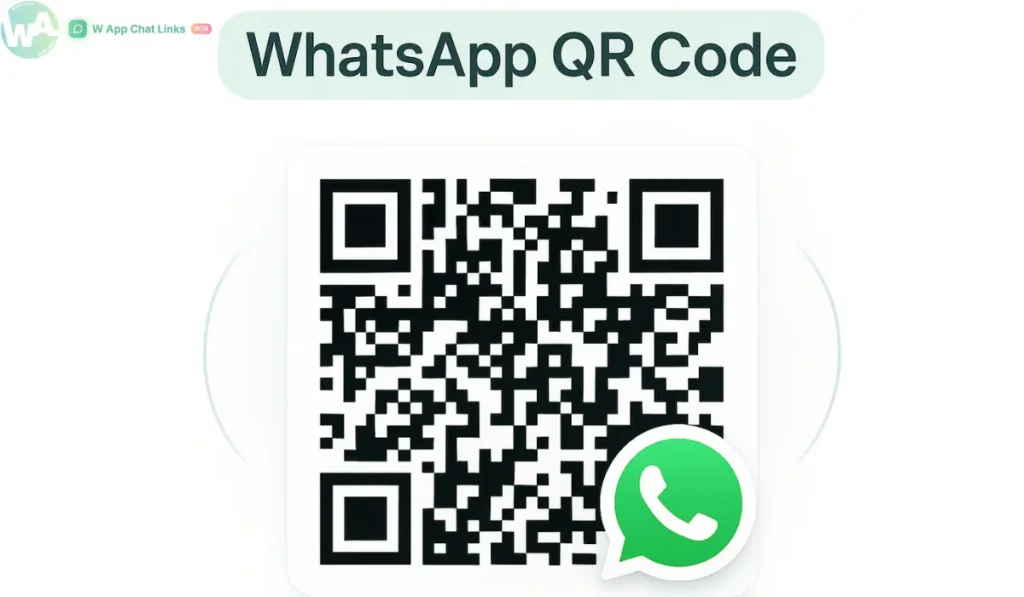
A QR code turns the link into a scannable block. People use it in restaurants, events, clinics, food trucks, and workshops. You can try scanning your own QR code once to see how fast it works.
How to Make WhatsApp Links Manually #
Using wa.me #
- Write your number with the correct country code.
- Add it after https://wa.me.
- Attach ?text= if you want a message.
- Replace spaces in the message with %20.
- Test the link in a browser once so you avoid mistakes.
Inside the WhatsApp App #
- Open your WhatsApp group.
- Go to group settings.
- Select Invite via Link.
- Copy or share the link with your contacts.
- The Business app also shows catalog based links when needed.
Why Link Generators Are Better #
Manual links work, although you may take time adjusting small parts like spacing and formatting. A tool makes the full process smoother.
If you want cleaner URLs, QR codes, branded domains, or click tracking, you can use the WhatsApp Link generator inside wapp.chat. It builds links instantly and also shows click reports. You can study which link performs well and where most contacts come from.
You save time and avoid small mistakes since the tool handles everything in one place.
Business Use Cases in 2026 #
Local Stores and Restaurants #
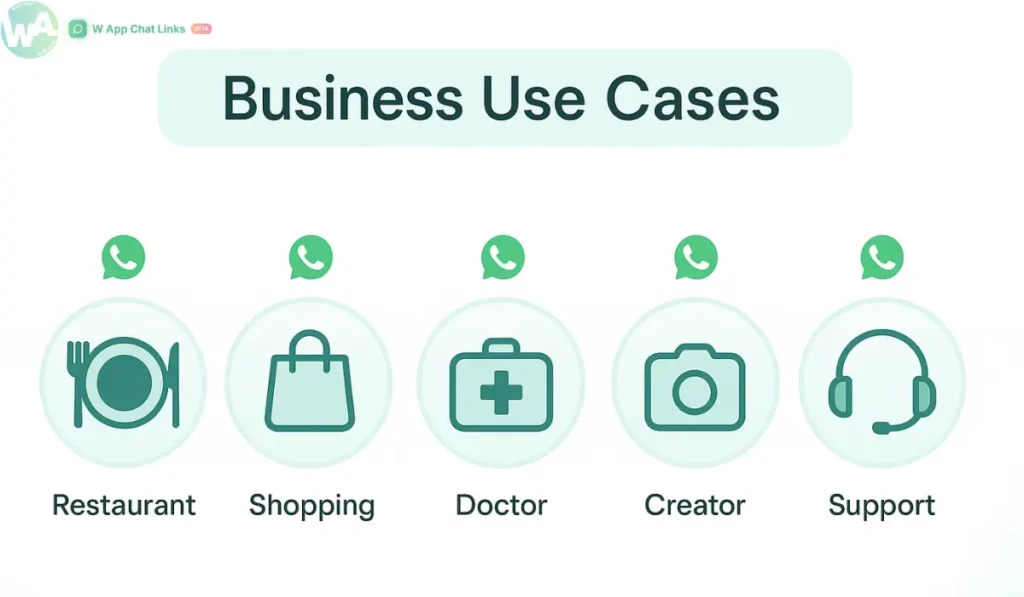
A store prints a QR code on the bill. A customer can ask questions about warranty straight away. Many restaurants use WhatsApp for table ordering. Grocery shops take home delivery requests using these links.
Professionals and Independent Workers #
Doctors, tutors, designers, and consultants place these links on their websites. It reduces the steps needed for new clients. Many freelancers also put WhatsApp links at the end of their emails.
Creators and Online Influencers #
Creators use it for question based contact, community access, event updates, and content sales. Since chat feels natural, the viewer contacts without hesitation.
Enterprise Teams #
Large companies use multi agent systems. The message shifts to an available staff member. This supports telecom queries, banking questions, and ecommerce support.
SEO Value of WhatsApp Links #
A WhatsApp link acts as a contact trigger. When a visitor comes to your site and selects the link, the connection begins instantly. This improves the chance of converting that visitor into a customer.
It also works with automation inside Meta Business Suite. Bots can reply instantly. Staff can step in when needed.
Common Issues and How to Fix Them #
Here are typical problems and their quick solutions.
- Number written in the wrong format.
- Message text not encoded.
- Group invite expired.
- Public sharing of group links.
- No tracking when using manual link creation.
Future of WhatsApp Links for the Coming Years #
WhatsApp will move deeper into payments, catalogs, product previews, and booking flows. A link may soon present a product or order summary before chat begins.
Meta is placing strong focus on business automation, so this link will stay as the first entry point to meaningful communication.
FAQs #
What is a WhatsApp link #
It is a short URL that opens a WhatsApp chat window.
How do I add a message #
Attach ?text= and encode spaces using %20.
Is it safe #
It stays safe if you use private sharing and protect group invites.
Can I track clicks #
A link generator with analytics makes tracking very easy.
Conclusion #
A WhatsApp link looks tiny, yet it creates a powerful entry path into your communication system. You can make links manually, although a tool gives more accuracy, better structure, and clean tracking. If you're using these links for business, don't miss our detailed WhatsApp selling guide.
The generator on wapp.chat creates links, QR codes, routing, and click reports under one system, so you spend less time adjusting details.
As businesses move toward conversational contact in 2026, these links become essential. They raise interaction speed and bring clear communication between you and the person who needs help.
Quick Checklist #
- Use the correct country code.
- Add pre filled message only when required.
- Test the link once in your browser.
- Share group links carefully.
- Use QR codes for offline reach.
- Use wapp.chat for advanced link creation.
- Check for expired group invites.
- Study analytics to improve contact flow.
Written by
Sourabha Kumar Sahu
Founder of WAppChat, building tools that help businesses grow with WhatsApp.